Once you complete the challenge, or when your Instant account meets the payout requirements, you will receive an email titled [AIFO | KYC Verification]. Please also check your spam or junk folder if you cannot find it in your inbox.
When will the KYC verification process be triggered?
KYC verification is triggered by these conditions in our system:
- Evaluation accounts: after the trader passes the evaluation and the account clears the manual Live Verification review, it moves into KYC Verification.
- Instant accounts and Sprint accounts: KYC is not triggered at account issuance. It’s triggered only when the trader initiates their first payout request.
So the key triggers are:
Passing Live Verification for Evaluation
Requesting the first payout for Instant.
How to get verified with Veriff
Veriff makes identity verification quick, secure, and seamless. Below, we’ll walk you through the step-by-step process to get verified and explain what happens if your verification is rejected.
Capture your ID document
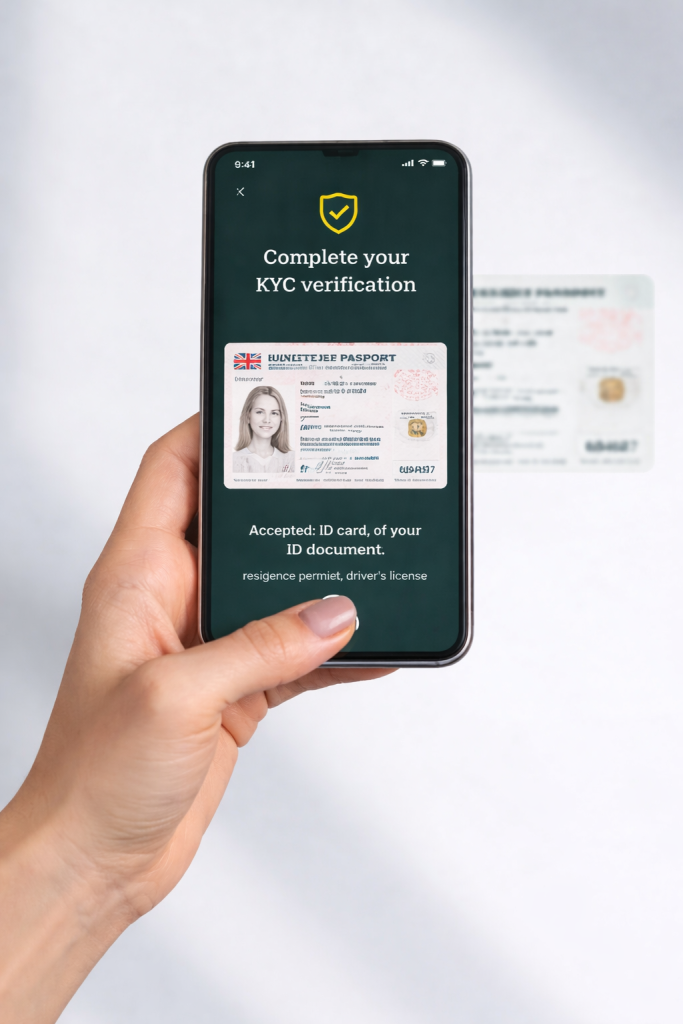
You’ll need to take clear, high-quality photos of both the front and back of your selected document (if applicable).
Accepted documents:
- Passports
- National ID Cards
- Driver’s Licenses
- Residence Permits
Take a selfie
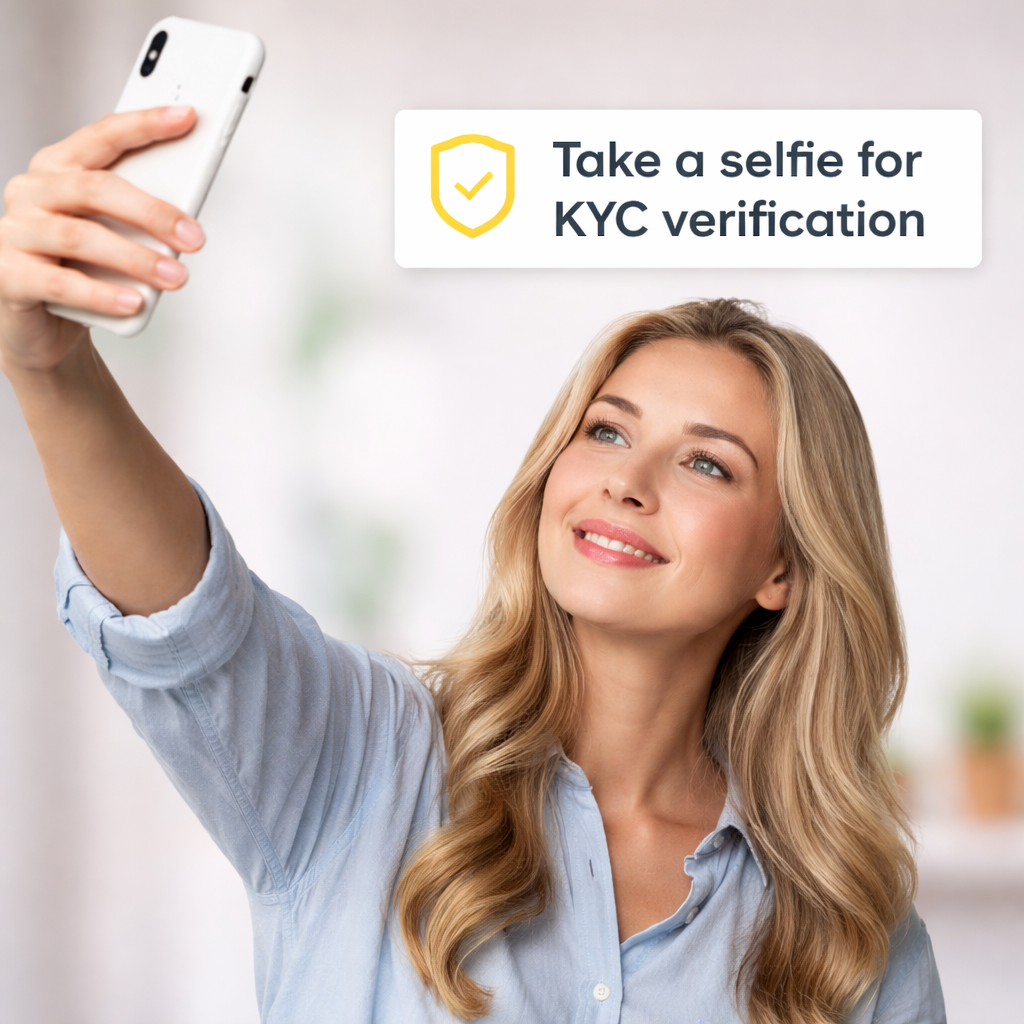
To confirm that you’re the real owner of the document, Veriff requires a live selfie. You may be asked to:
- Look directly into the camera.
- Perform a quick movement (like turning your head) to prove liveness.
- Avoid wearing sunglasses, hats, or heavy makeup.
This step prevents fraud by ensuring that the person submitting the document is present.
Verification in progress
Once you’ve submitted your document and selfie, Veriff’s AI-powered system will analyze the data and perform fraud and security checks. This usually takes only a few seconds.
If additional review is required, a human verification specialist may manually check your submission, which could take a few minutes.