


An Expert Advisor (EA) is software that runs in MetaTrader and follows programmed rules to analyse markets, generate alerts, manage positions or place trades automatically. An EA is not a guaranteed strategy. Its logic, data, costs, execution, operational controls and prop firm permissions must all be tested before it is used on an evaluation or funded account.
Expert Advisor: Key Points
- An EA can be signal-only, semi-automatic or fully automatic.
- Backtests can overstate performance through overfitting and unrealistic costs.
- Forward testing checks behaviour on unseen data and platform conditions.
- EA permission is account-specific, not a platform-wide assumption.
- Keep logs, version numbers and risk controls for review.
Last AIFO FAQ review: . AIFO permission statements below come from the current EA FAQ.
An EA converts a trading idea into explicit logic. That can improve consistency, but it also makes coding errors and poor assumptions repeat automatically. The correct question is not “Does the robot make money?” It is “What does the code do, under which conditions, and is that behaviour allowed on this account?”
Use the prop firms that allow EAs guide for firm-permission comparisons. This page explains the software itself.
What Is an Expert Advisor?
An Expert Advisor is a program designed for MetaTrader. It reads market and account data, applies programmed conditions and may produce an alert or trading action.
Typical EA functions include:
- identifying a technical setup;
- sending an entry or exit alert;
- calculating position size;
- placing or modifying orders;
- setting stop-loss and take-profit levels;
- managing trailing stops or partial exits;
- stopping trading after a defined loss or time condition.
How an EA Works on MT5
The EA receives price, time, indicator and account information from the platform. Its code checks whether specified conditions are true. If permitted, it then creates an alert or sends an order request.
A simplified flow is:
- Read the symbol, timeframe and current market data.
- Check entry filters and risk conditions.
- Calculate stop distance and position size.
- Send, modify or reject the order.
- Record the action and continue monitoring.
The EA must be attached correctly, automation permissions must be enabled, and the platform or VPS must remain available when continuous operation is required.
Signals vs Semi-Automatic vs Full Automation
| Type | EA action | Trader responsibility |
|---|---|---|
| Signal-only | Identifies conditions and sends an alert | Reviews and places the order manually |
| Semi-automatic | Calculates risk or manages an existing trade | Approves entry or monitors exceptions |
| Fully automatic | Opens, manages and closes trades | Controls configuration, supervision and risk limits |
More automation does not remove responsibility. The account owner remains responsible for the orders produced by the software.
Backtesting an Expert Advisor
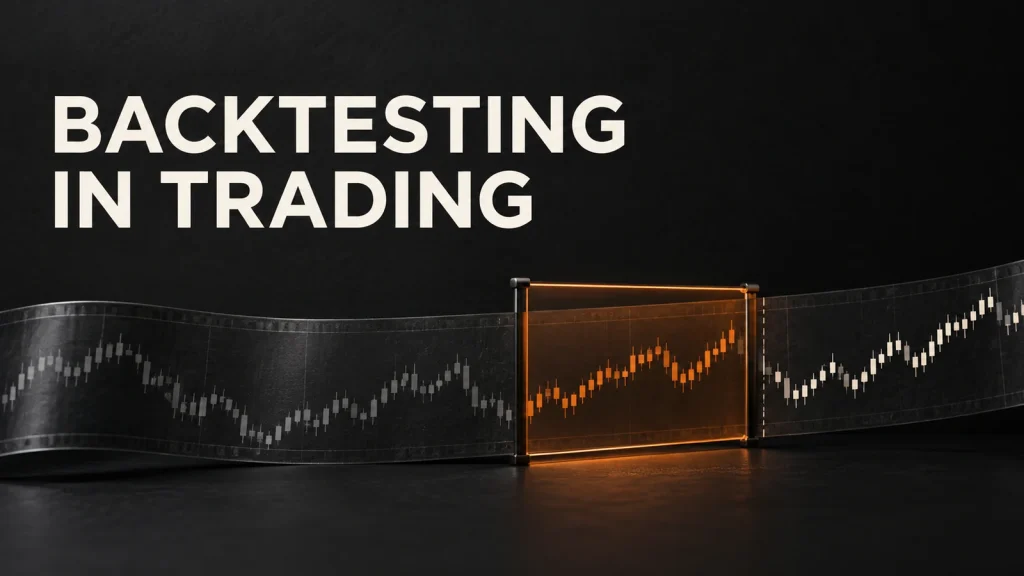
A backtest runs the EA rules on historical data. It can reveal trade frequency, average result, drawdown and sensitivity to parameters. It cannot perfectly reproduce future execution.
Common backtest errors include:
- optimising many parameters until they fit one dataset;
- using incomplete tick or spread data;
- ignoring commission, swap and slippage;
- using future information accidentally;
- selecting only the best market or period;
- assuming every stop or limit receives the requested fill.
Forward Testing
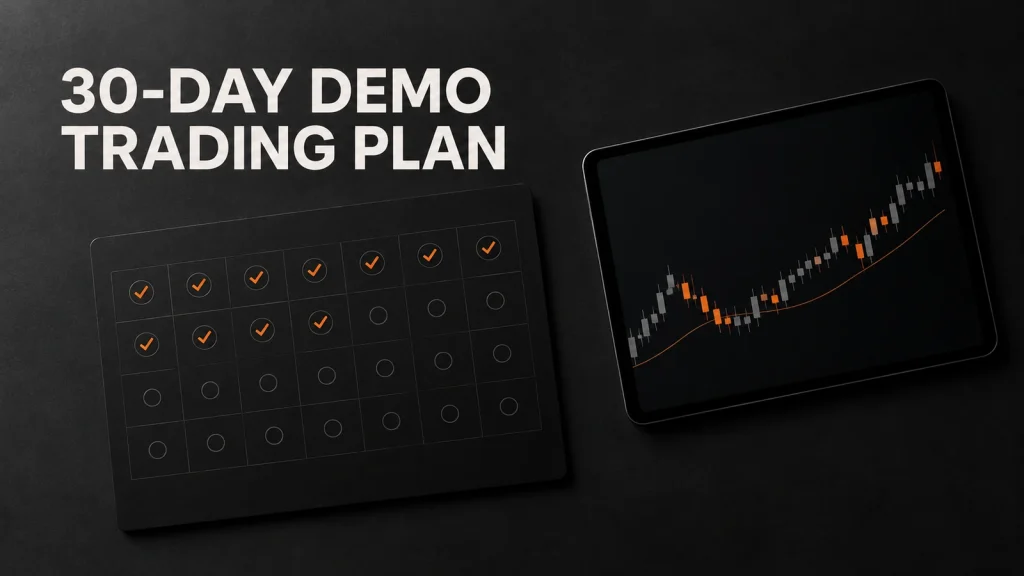
Forward testing runs the fixed EA on unseen data. Start in a controlled demo environment with the same symbol specifications and risk planned for the next account.
Compare:
- backtest and forward trade frequency;
- expected and realised spread/slippage;
- planned and actual risk per trade;
- maximum drawdown and losing streak;
- platform messages, rejected orders and reconnect events;
- behaviour around news, rollover and market closures.
Operational Risks
| Risk | Possible result | Control |
|---|---|---|
| Duplicate instance | The same signal opens more than once | Unique identifiers and startup checks |
| Connection loss | Stops or management logic may not update | Monitoring, alerts and recovery procedure |
| Wrong symbol settings | Incorrect volume or stop distance | Read and validate symbol specifications |
| Parameter change | Live logic differs from the tested version | Version control and locked configuration |
| Order loop | Excessive requests or repeated positions | Rate limits, state checks and kill switch |
| Clock mismatch | Trades execute in the wrong session | Use server time and test daylight-saving changes |
Prop Firm Rule Checks
“EA allowed” does not mean every automated behaviour is accepted. Check:
- the exact eligible account models;
- high-frequency, latency, arbitrage and platform-exploit restrictions;
- shared, public or third-party EA restrictions;
- copy trading and identical-strategy rules;
- news, holding and session conditions;
- server request-volume limits;
- VPS, VPN, IP and account-access requirements;
- evidence required during payout review.
AIFO EA Permissions
The current AIFO EA FAQ lists 1-Step and 2-Step Challenge accounts, plus their corresponding funded accounts after passing, as eligible for EA use.
The same FAQ states that excessive order traffic or abnormal server load can trigger a warning and required changes. It prohibits bots designed to bypass challenge rules or exploit system vulnerabilities, and says each EA must use a unique strategy configured for the trader rather than a publicly shared or substantially identical strategy.
How to Evaluate an EA
- Describe the trading logic in plain language.
- Confirm that every behaviour is permitted for the selected account.
- Run an out-of-sample backtest with realistic costs.
- Forward-test the fixed version in demo.
- Stress-test connection loss, spread expansion and bad inputs.
- Set risk, daily stop and a manual kill switch.
- Archive the code version, settings and logs used on the account.
What to Monitor After an EA Goes Live
Automation still needs supervision. Check that the active version and parameter file match the tested release, the platform remains connected and every order receives the expected response. Compare actual entries, exits, volume, spread and slippage with the EA log. A mismatch should trigger investigation before the next signal rather than a guess after a breach.
Create alerts for connection loss, rejected orders, unusual request volume, duplicate positions and proximity to personal risk stops. Keep a manual shutdown procedure that does not depend on the same server or device as the EA. After platform updates, broker-symbol changes or daylight-saving transitions, repeat the operational checks in simulation. The objective is not constant interference; it is fast detection when live behaviour no longer matches the tested system.
Frequently Asked Questions
An Expert Advisor, or EA, is software used in MetaTrader to analyse market conditions, generate signals, manage positions or place trades according to programmed rules.
No. An EA can be signal-only, semi-automatic or fully automatic. Its permissions and code determine whether it only alerts the trader, manages an existing position or opens and closes trades.
No. An EA executes logic; it cannot guarantee that the logic has a durable edge. Backtest bias, costs, slippage, changing market conditions and operational failures can change results.
Backtesting applies the EA to historical data, while forward testing observes it on new data in real time or simulation. Both are needed because a strong historical fit may not survive unseen conditions.
The current AIFO EA FAQ lists 1-Step and 2-Step Challenge accounts, plus their corresponding funded accounts after passing, as eligible for EA use. The stated usage guidelines and prohibited-behaviour rules still apply.
Confirm the exact account's EA permission, strategy restrictions, order-request limits, account ownership rules, platform and symbol settings, news and holding conditions, VPS policy and payout-review requirements.