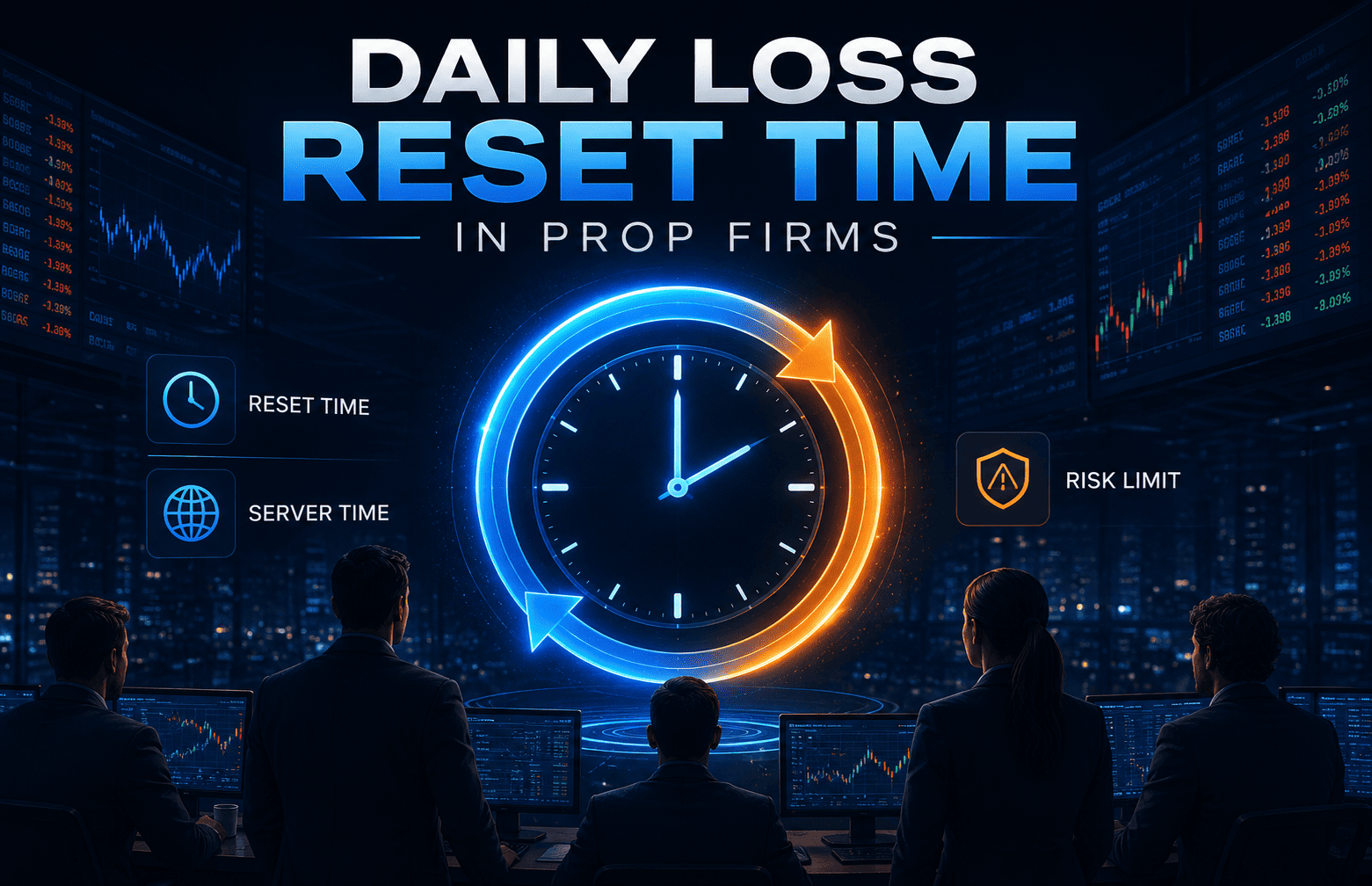



Daily loss reset time is the firm-defined moment when a prop firm recalculates its one-day loss boundary. It does not close positions or erase floating loss. A position that is compliant before reset can breach afterward if the new trading day uses a different reference value, or if open P&L, commission or swap pushes equity below the applicable floor.
Use the prop firm challenge rules guide for the full rule stack. This page focuses on the reset clock, timezone conversion, daily reference value and cross-day holding risk. For an AIFO account, verify the current Daily Loss Limit FAQ, server-time FAQ, account Dashboard before trading through reset.
Last FAQ review: . The AIFO Daily Loss FAQ states that the daily limit uses the higher of the previous day’s closing balance or equity and includes commissions and swap fees. The MT5 server-time FAQ states GMT+3 during daylight saving time and notes that the offset may change with daylight-saving and standard-time adjustments.
Daily Loss Reset Time Explained
Daily loss reset time is the moment defined in a firm’s current rules when the account begins a new daily loss measurement window. The clock may follow server time, platform time or another published timezone.
The reset is not a clean restart for open risk. Floating P&L, commissions and swaps may still affect equity after the reset if the firm’s rules include them.
The danger is simple. A trader may finish one trading day within the allowed loss limit while carrying an open position. The clock resets, but the position remains open. If the new day’s reference value or the treatment of open P&L changes the loss floor, the account can begin the new measurement window with less room than expected.
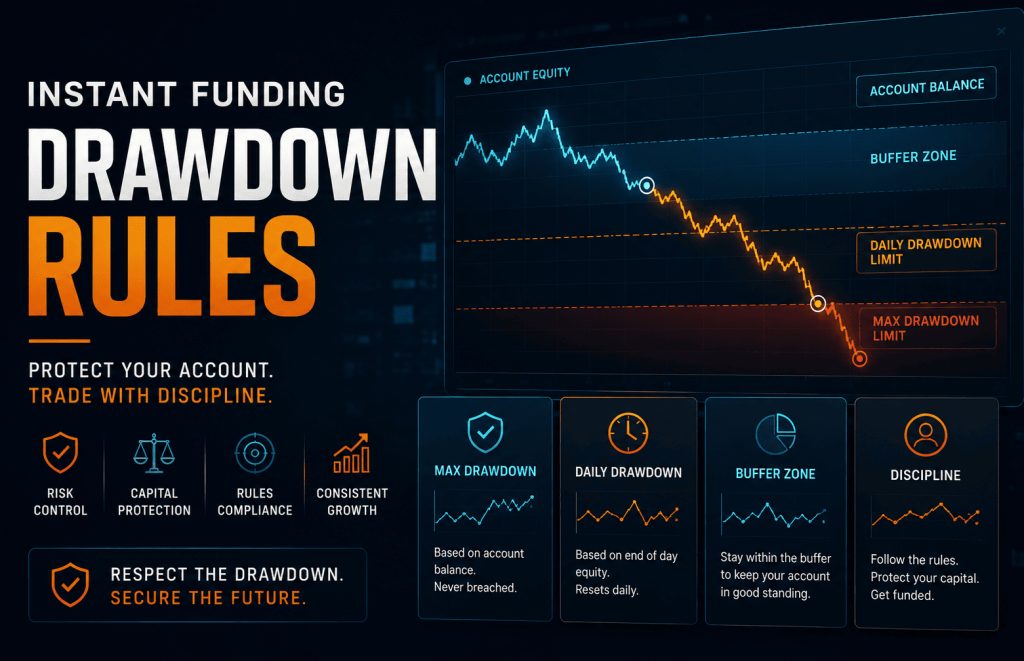
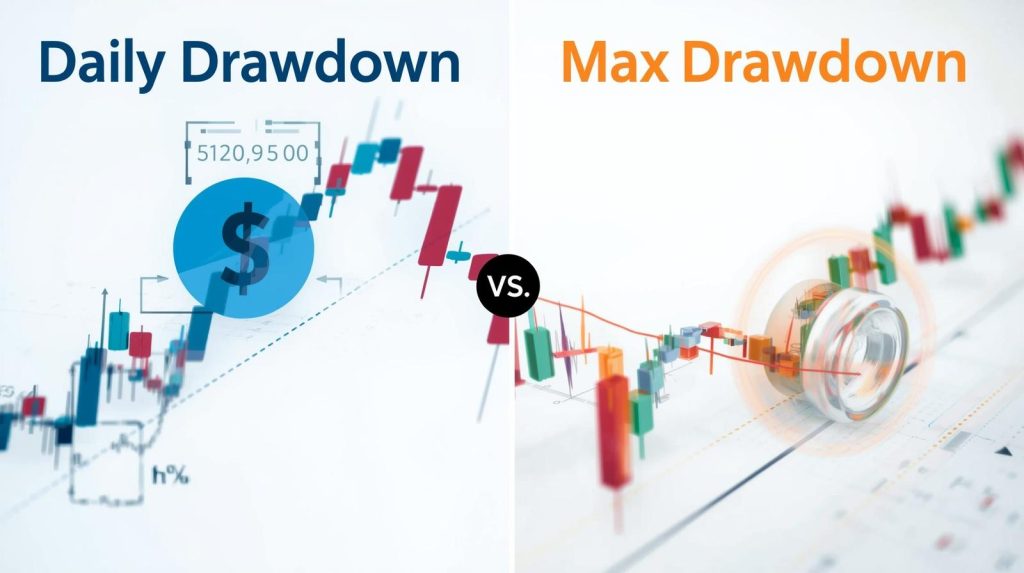
This is why daily loss and maximum loss must be tracked separately. Daily loss is tied to a defined trading-day window. Maximum loss applies across the account under the selected model’s static or trailing calculation.
Five Fields to Compare Before Trading Through Reset
Do not compare daily loss rules by percentage alone. Record these five fields for every account before leaving a position open across the reset.
| Field to check | Question to answer | Common mistake | Possible consequence |
|---|---|---|---|
| Reset clock | What exact server time and UTC offset starts the new trading day? | Using local midnight instead of the firm’s clock | The account resets several hours earlier or later than expected |
| Daily reference value | Does the new floor use initial balance, closing balance, closing equity or another defined value? | Assuming yesterday’s closed profit always creates permanent extra room | The next day begins with a stricter floor than expected |
| Included results and costs | Do closed P&L, floating P&L, commissions and swaps count? | Calculating only closed trades | Equity breaches even though the balance appears safe |
| Open-position treatment | Can an overnight position affect the snapshot or begin the new day in loss? | Treating holding permission as protection from the daily loss rule | The same open position becomes non-compliant after reset |
| Breach consequence | Does touching the floor cause liquidation, a pause, review or account failure? | Assuming every firm handles a breach in the same way | The trader misunderstands the account-status risk |
Recordkeeping note: Save the official rule page, account model, server-time reference and date checked. Do not rely on an old comparison table when current first-party documentation is available.
Convert the Reset Clock to Your Local Time
The reset follows the clock identified in the firm’s rules, not automatically the date shown on the trader’s phone or computer. Convert the published reset into the current local UTC offset before trading.
Local reset time = reset time converted to UTC + current local UTC offset
For illustration, if a firm’s server uses UTC+3 and resets at server midnight, the corresponding UTC time is 21:00 on the previous calendar day. This is a generic timezone example, not a statement of AIFO’s current server timezone.
| Trader’s current UTC offset | Local clock when a UTC+3 server reaches 00:00 | Calendar relationship |
|---|---|---|
| UTC−4 | 17:00 | Previous calendar day |
| UTC+0 | 21:00 | Previous calendar day |
| UTC+1 | 22:00 | Previous calendar day |
| UTC+8 | 05:00 | Same calendar date as the new server day |
| UTC+10 | 07:00 | Same calendar date as the new server day |
Daylight-saving warning: A local UTC offset may change during the year even when the published server offset does not. Recheck the conversion after a daylight-saving change and whenever the firm updates its server-time documentation.
Balance vs Equity: The Snapshot Trap
A daily-reference formula may use balance, equity, the higher of those values or another explicitly defined amount. This matters because floating profit or loss can affect the next trading day’s room under some rule structures.
Do not assume that one firm’s formula applies to another firm or to every account model offered by the same firm.
| Possible reference method | What it uses | Why traders misread it | Possible consequence |
|---|---|---|---|
| Balance-only reference | Closed account balance at the defined reset time | The trader ignores open P&L because it is not closed balance | Floating loss may still reduce equity to a breach level |
| Equity reference | Balance plus open P&L at the defined time | The trader treats floating profit as stable account room | If floating profit fades, the account can lose room quickly |
| Higher of balance or equity | The larger value at the daily snapshot | The trader does not see that high floating equity may create a higher reference | A later pullback may be measured from that higher reference |
| Initial-balance method | A defined percentage of the initial account size | The trader assumes prior profit permanently increases daily loss room | The actual daily amount may remain tied to initial size |
These are common industry structures, not AIFO-specific formulas. Confirm the actual method for the selected account before calculating the floor.
Cross-Day Holding Example: Safe Before Reset, Breached After Reset
This hypothetical example uses a daily loss model based on the higher of closing balance or closing equity, with a 3% daily limit. It demonstrates the mechanism only and does not describe a specific AIFO account.
| Account moment | Balance or equity | Rule result |
|---|---|---|
| Before reset | Balance: $100,000 Equity: $102,000 |
The open position has $2,000 floating profit |
| New-day reference | $102,000 | The hypothetical higher closing value becomes the reference |
| New daily loss floor | $102,000 × 97% = $98,940 | Equity must remain above $98,940 under this example |
| After reset | Equity falls to $98,800 | The account is $140 below the hypothetical floor |
No new order is required for this kind of breach. The position can move from floating profit into loss after the new day begins under a new reference value.
This is why overnight holding permission and daily loss safety must be checked separately. Read the overnight and weekend holding guide before carrying exposure through reset.
Alpha Insight
A daily loss reset does not forgive open risk. It moves that risk into a new measurement window.
A trader can be compliant before reset and breach afterward without opening a new position. That makes the applicable reset clock and reference formula part of position sizing.
A Reset-Safe Trading Routine
A reset-safe routine begins before the firm’s new trading day, not after a breach warning appears. The trader should know the applicable clock, current equity, open P&L and possible new floor before holding exposure.
1. Check the firm clock
Use the account dashboard, platform clock or current official server-time documentation. Do not estimate the reset from local midnight.
2. Calculate the next-day floor before rollover
Write down the current balance, current equity and floating P&L. Apply only the daily-reference formula confirmed for the selected account.
3. Reduce exposure if the trade is close to the line
A trade that survives only under the old day’s calculation is not reset-safe. Reduce or close exposure, or wait for a cleaner setup after reset.
4. Do not add recovery trades near reset
Recovery trades can increase floating loss before reset and leave the account with less room in the next measurement window.
5. Recheck after timezone changes
Seasonal clock changes may shift the relationship between local, platform and server time. Reconfirm the actual reset instead of relying on a saved conversion.
Red Flags Before Holding Through Reset
| Red flag | Why it matters | Safer action |
|---|---|---|
| You do not know the reset timezone | The account may reset while the local trading day still appears open | Check the dashboard or current server-time documentation |
| You are relying on closed profit to cover floating loss | The new daily calculation may not preserve the room you expect | Recalculate the next floor before holding |
| Equity is close to a loss boundary | A spread change, swap or commission may trigger a breach | Close or reduce exposure before reset |
| You are holding a volatile instrument through reset | Normal price movement may exceed the remaining room | Use smaller size or avoid rollover exposure |
| A daylight-saving change just occurred | The local conversion may have shifted | Confirm the exact reset again |
| You do not know the reference formula | The next-day floor may differ from the amount you calculated | Read the exact Daily Loss Limit rule for the selected account |
Run a prop firm challenge checklist before the first trade and again before holding past reset.
Current AIFO Daily Loss Limits
The current AIFO percentages are account-specific. The rule baseline checked on 29 September 2026 does not support a single Daily Loss Limit for all AIFO products.
| AIFO route | Daily Loss Limit confirmed by the current rule baseline | Related maximum-loss structure | Beginner reminder |
|---|---|---|---|
| 1-Step Challenge | 3% | 6% Static Maximum Loss Limit | At least 2 trading days are required. The static floor remains tied to the initial account size. |
| 2-Step Challenge | 5% | 10% Static Maximum Loss Limit | At least 3 trading days are required. Do not reuse the 1-Step percentage. |
| Instant | 3% | 5% Trailing Maximum Loss Limit based on HWM and capped at the initial account balance | Floating loss must not exceed 2% of the initial account balance. This is separate from the Daily Loss Limit. |
| Sprint | Not separately stated in the current rule baseline | 2% Static Maximum Loss Limit and total floating loss no greater than 1% of initial balance | Use only the limits stated in the current Sprint terms. The challenge lasts 24 hours from the first trade. |
The current rule baseline does not establish AIFO’s server timezone, reset moment or balance-versus-equity reference formula. Confirm those details from the live AIFO Daily Loss Limit FAQ, Server Time FAQ, AIFO trading rules and the selected account’s dashboard before leaving a position open through reset.
Final Pre-Reset Check
Before holding a trade through daily reset, write down the current balance, current equity, open P&L, the applicable Daily Loss Limit, the confirmed reset clock and the next loss floor under the selected account’s formula.
If the trade needs a calm rollover to survive, it is not reset-safe. Treat the reset rule as part of position management.
FAQ
Daily loss resets at the time defined in the selected firm’s current rules, usually by a server, platform or published rule clock. Do not use local midnight unless it matches that rule. Convert the confirmed reset time to the trader’s current UTC offset and recheck it after daylight-saving changes.
The reset begins a new daily measurement window, but it does not erase floating loss. The available room depends on the firm’s confirmed reference formula and the account’s balance, equity, costs and open P&L. An open trade can therefore begin the new day close to the applicable floor.
Yes. An open trade, spread change, commission or swap can reduce equity after the new measurement window begins. Whether this causes a breach depends on the selected firm’s exact Daily Loss Limit calculation and breach threshold.
The current rule baseline confirms a 3% Daily Loss Limit for AIFO 1-Step, a 5% Daily Loss Limit for 2-Step and a 3% Daily Loss Limit for Instant. It does not state a separate Sprint daily percentage. Sprint instead has a 2% Static Maximum Loss Limit and a 1% total floating-loss limit.
Verify the selected account’s Daily Loss Limit percentage, current server timezone, reset moment, reference value, treatment of open P&L, commissions and swaps, and the exact breach threshold. The current rule baseline confirms the percentages but does not establish the AIFO server timezone or reset formula.
Only if the trade remains safe under the next measurement window and the selected account permits the holding behaviour. Holding permission does not override Daily Loss, Maximum Loss or floating-loss limits. Reduce or close exposure when normal price movement or costs could reach a breach boundary.
Confirm the rule clock and reference formula, calculate the next loss floor, monitor balance, equity, open P&L and costs, reduce exposure before reset and avoid recovery trades near the boundary. Recalculate whenever the account state or published rules change.